

How Mobile Apps Are Transforming the Tourist Experience on the Go

Travel apps have changed what it means to plan a trip while traveling. A phone can hold booking confirmations, show a route across an unfamiliar city, translate a menu, and flag a train delay, all while a traveler is on the move. These tools connect preparation with the decisions that come up throughout a journey.
Convenience is the draw, but a useful travel toolkit does more than collect apps. It helps travelers get the right information at the right moment, including when mobile data is slow or unavailable. Knowing what to store offline, what to verify, and what not to share can make the difference between feeling prepared and depending on a single device.
From trip planning to in-the-moment decisions
Travel apps connect trip planning with decisions travelers make on the road. They can bring plans, bookings, local information, and real-time travel updates together so people can adjust when the day changes.
Before departure, travelers can compare transport options, reserve accommodation, save points of interest, and build an itinerary management system around their actual schedule. During the trip, that plan becomes more flexible: a weather alert may move an outdoor visit, a delayed train may change a connection, or a nearby recommendation may suggest a place to eat between activities.
The key benefit is context. Location-based recommendations can surface a museum, pharmacy, or café near a traveler’s current position. Transport apps may show departures and service disruptions, while booking platforms let travelers search for alternatives. Each tool is useful only as far as its information is current and relevant; a recommendation cannot account for every preference, opening-hour change, or local condition.
Think of a digital itinerary as a set of options rather than a fixed script. Save the day’s essential bookings, addresses, and opening times, then leave room to respond to what is happening on the ground. That approach keeps technology helpful without turning a holiday into a sequence of notifications.
Managing bookings and itineraries in one place
Itinerary management apps make travel logistics easier by organizing confirmations, schedules, addresses, and reminders in one accessible place. They reduce the need to search through email or paper documents when a departure time is approaching.
Mobile booking has also shortened the path from decision to confirmation. Travelers can reserve a hotel, buy a rail ticket, or change a reservation from a phone, often while already traveling. Digital confirmations are easy to retrieve, and calendar reminders can help with check-in windows, boarding times, and timed-entry tickets.
Still, a single app may not contain every detail. Airlines, hotels, event venues, and booking platforms can each send updates through separate channels. Save the confirmation number, provider contact details, and the address of the service in addition to relying on an imported itinerary. If a booking changes, check the provider’s own confirmation before acting on a third-party alert.
- Before travel: Add confirmation numbers, dates, addresses, and local time zones to your itinerary.
- During travel: Keep essential tickets available from the lock screen or a saved document where appropriate.
- After a change: Verify revised times and terms with the airline, hotel, or transport provider.
This approach trades a little setup time for fewer last-minute searches. It also gives travelers a fallback if an app fails to sync or a notification gets missed.
Finding your way and discovering places
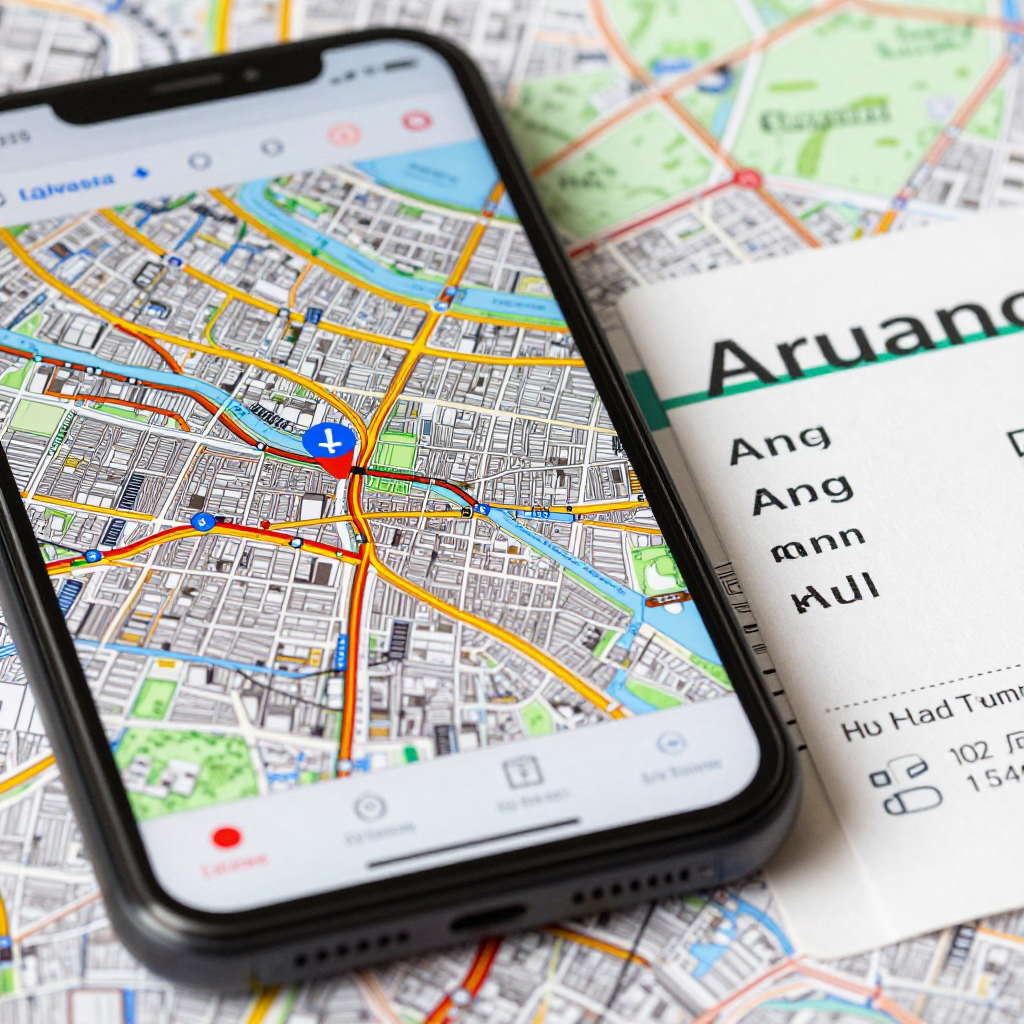
Digital maps and navigation apps help travelers orient themselves, compare routes, and locate nearby services. Combined with local search, they can turn an unfamiliar neighborhood into a place that is easier to explore independently.
Turn-by-turn walking directions are useful when street signs are unclear, while public transport tools can help compare routes by transfers or departure time. Location-based recommendations add another layer by showing attractions, restaurants, or practical stops close to the traveler. Search results are a starting point, not a guarantee: opening hours, accessibility details, and transit service can change, so confirm important information with the venue or local operator.
For a day trip or a journey through areas with patchy reception, download the map region and any needed language or transit information before leaving Wi-Fi. Offline access can preserve basic navigation, but features such as live traffic, current departures, and newly posted business information may stop updating. A map saved yesterday is not the same as a live view of road conditions.
Use a simple navigation routine: check the route before setting off, note a recognizable landmark near the destination, and look up from the screen often enough to stay aware of your surroundings. In busy areas, step aside before checking directions. The app can guide a route; local signs and common sense still matter.
Communicating and paying with less friction
Translation apps and contactless payments can make everyday travel tasks smoother, especially when travelers need to ask a basic question or pay without local cash. They are practical aids, though they cannot replace judgment, clear communication, or an accepted backup payment method.
Translation tools can help with menus, signs, addresses, and short exchanges. For directions or a simple request, typed text or a downloaded language pack may be enough. For nuanced conversations, medical needs, or legal matters, automated translation can miss tone and meaning. Keep important names and addresses written in the local language when possible, and confirm critical details rather than assuming the translation is exact.
Contactless payments through a phone or smartwatch can reduce the need to handle cash and make small purchases quicker. Acceptance varies by country, merchant, card issuer, and device, however. A payment terminal may be offline, a card may be declined, or a service may require a physical card. Carry a separate payment option and some local currency where it is sensible.
Before departure, check that payment cards work internationally, set up any mobile wallet securely, and understand foreign transaction fees. Avoid making a payment on an unknown public Wi-Fi network if the service does not protect the connection. Convenience works best when it is paired with a backup plan.
The benefits—and limits—of app-based travel
App-based travel offers convenience, personalization, and quick access to information, but it depends on a charged device, reliable data, and responsible handling of personal information. Planning for those limits makes travel apps more dependable.
Connectivity is uneven. Roaming charges, limited coverage, and crowded networks can make a service slow or unavailable. Save tickets, addresses, maps, and key instructions for offline use; consider a local SIM or eSIM if you need regular data, and check costs before activating it. Offline access helps with stored material, but it cannot provide fresh disruption alerts or live directions.
Battery life is another practical constraint. Navigation, camera use, translation, and mobile payments can drain a phone faster than expected. Start the day with a full charge, carry a power bank that meets airline rules, and reduce screen brightness or background location access when those features are not needed. Keep essential reservations in a form that can be accessed without repeatedly opening several apps.
Travel data privacy deserves similar attention. Apps may request location, contacts, or payment details that are not necessary for their core function. Review permissions, use strong device authentication, install updates from official app stores, and avoid saving sensitive information in unsecured notes. When using public Wi-Fi, avoid accessing financial accounts unless the connection and service are protected.
Accessibility can also shape how useful an app is. Small text, poor screen-reader support, or a map that relies only on color may create barriers. Check accessibility settings and app features before depending on them for an important journey. For travelers with specific mobility or communication needs, confirm service details directly with transport providers and venues.
Choosing a useful travel app toolkit
A useful travel app toolkit covers a few essential jobs without making the phone harder to manage. Choose tools for bookings, navigation, communication, and payment based on the trip, then prepare key information for offline access.
Use a practical filter: need, reliability, fallback. First, identify what the trip actually requires, such as rail tickets, walking directions, or translation. Next, check whether the service works in the destination and whether it supports offline use. Finally, decide what you will do if the phone is lost, the app is unavailable, or the network fails.
- Choose an itinerary or document system that makes booking references and addresses easy to find.
- Download maps, tickets, and language resources before leaving a stable Wi-Fi connection.
- Check local transport, payment, and data options for the destination rather than assuming they match home.
- Keep a small paper backup of critical details, including accommodation address and emergency contacts.
- Review location and payment permissions, and remove apps you no longer need after the trip.
For broader guidance on staying safer online, the U.S. Federal Trade Commission explains practical steps for avoiding scams. The same habits apply when booking or accessing accounts during travel: verify the service, protect login details, and pause before sharing personal information.
Mobile apps can make a trip easier to adapt, but they work best as part of a wider travel plan. Keep the information you need close at hand, maintain a backup for essentials, and use live tools for decisions they can genuinely improve. That leaves more attention for the place you came to see.